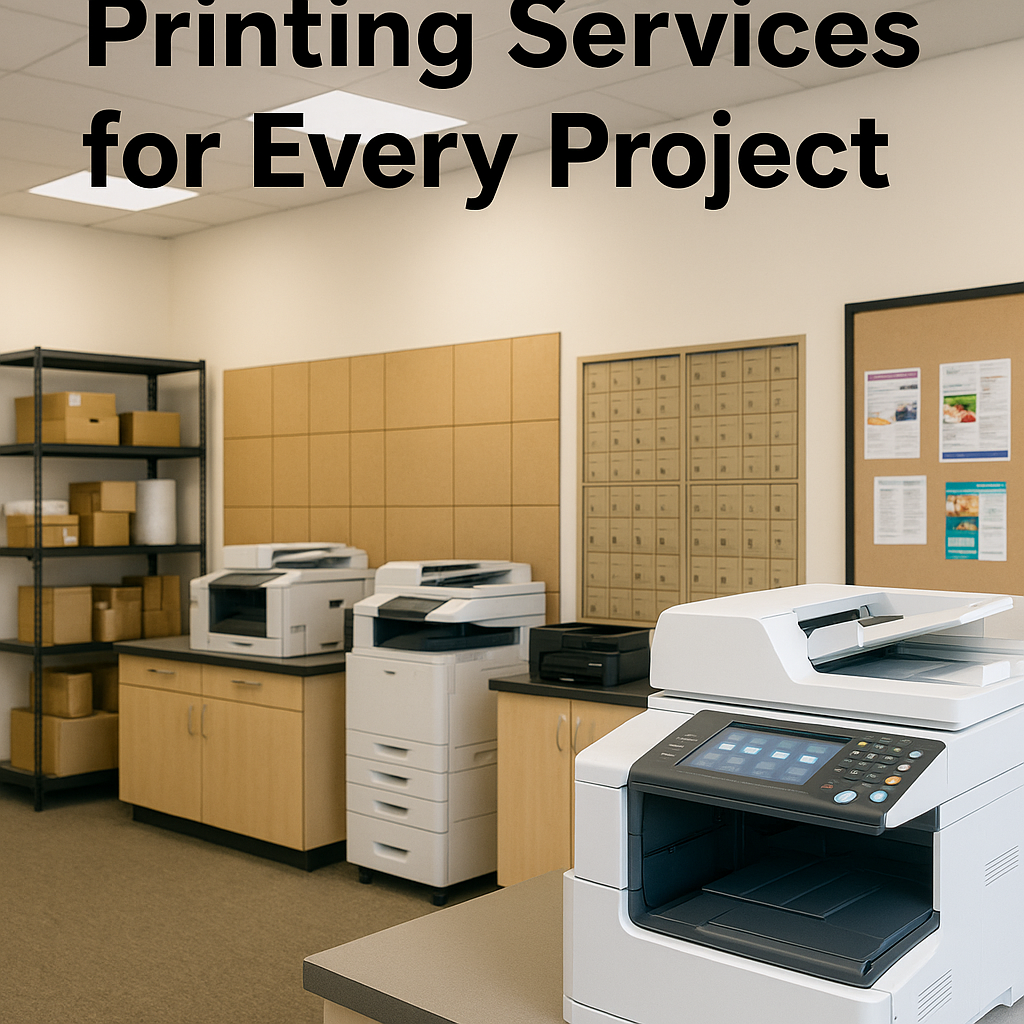
If you’ve ever stood in front of a printer wondering which settings to use, you’re not alone. Between color vs black and white, different paper weights, binding styles, and large format options, it’s easy to waste money on prints that don’t look the way you expected.
At Federal Mailbox Center in Sherman Oaks, we help everyone from local students and real estate agents to small businesses in Van Nuys and across the San Fernando Valley get clean, professional results without the confusion. This guide breaks down the key printing choices so you can walk into any print job confident and prepared.
Start With Your Goal: What Is This Document For?
Before you choose color, paper, or binding, get clear on the purpose of your project. That single decision usually tells you 80% of what you need to know.
- Internal use only: draft reports, reference docs, training materials
- Client-facing or public: proposals, marketing pieces, presentations
- Official or legal: contracts, forms, records, applications
- Event or display: posters, banners, signage, floor plans
Once you know who will see the document and how it will be used, you can make smarter choices on printing settings and avoid overpaying for features you don’t need.
Color vs Black & White: When to Spend and When to Save
Color printing can make a huge impact, but it doesn’t always make sense for every page. Here’s how to decide what’s worth printing in color and what can stay in black and white.
When Color Printing Is Worth It
- Sales and marketing pieces – brochures, flyers, rack cards, mailers, and product sheets rely on color to catch attention and reflect your brand.
- Presentations and reports – charts, infographics, and photos are much easier to understand in color.
- Real estate listings – property photos, floor plans, and maps print best in full color, especially here in the sunny San Fernando Valley where outdoor photos really pop.
- Portfolios – designers, photographers, and artists need accurate color to show their work properly.
If a document needs to make a strong first impression or help someone make a decision, color is usually the right call.
When Black & White Printing Is Enough
- Text-heavy documents – contracts, manuals, manuscripts, and long reports with minimal graphics.
- Drafts and working copies – anything you’re still editing or marking up.
- Internal forms and checklists – items that stay inside your office or home.
Black and white printing is more economical, especially for large page counts. If you’re not sure, you can also combine both: print a color cover or key pages, and the rest in black and white to balance impact and cost.
Paper Tip: Make Color Look Its Best
Color output looks sharper and more vibrant on quality paper. For important color jobs, ask your print shop about:
- Gloss or satin stock for photos and marketing materials
- Matte stock for professional reports with subtle color charts
- Heavier cover stock for the front and back pages of bound documents
At our printing services counter in Sherman Oaks, we can show you paper samples so you can see and feel the difference before you decide.
Document Printing Basics: Size, Layout, and File Prep
Clean, professional prints start long before you hit “Print.” A few small steps while you’re creating your file can prevent headaches later.
Choose the Right Page Size and Orientation
- Standard letter (8.5" x 11") – best for everyday documents, internal reports, school papers, and most office use.
- Legal (8.5" x 14") – common for contracts, real estate disclosures, and legal forms.
- Tabloid (11" x 17") – helpful for large charts, small posters, or booklets folded in half.
Set your page orientation (portrait or landscape) in your document before exporting to PDF. That way your print file matches the way you want the final pages to look.
Always Use PDF for Final Prints
For reliable printing, save or export your file as a PDF. This locks in fonts, spacing, and images so your document looks the same on our systems as it does on your screen. PDFs are especially important for complex layouts like resumes, brochures, and forms.
Check These Before You Send Your File
- Run spellcheck and scan for obvious errors.
- Make sure any crucial images are not blurry or pixelated.
- Confirm page numbers and table of contents (if needed).
- Double-check margins so nothing important is too close to the edge.
If you’re unsure whether your file is ready, you can always stop by our Van Nuys Blvd location and ask for a quick review before we run the full job.
Binding Options: How to Make Your Documents Last
Binding isn’t just about keeping pages together; it affects how your document looks, how it handles, and how long it lasts. Here are the most common choices and when to use each.
Stapling: Simple and Cost-Effective
- Best for: handouts, short reports, meeting agendas, school assignments.
- Pros: fast, inexpensive, easy to file in folders.
- Cons: not ideal for thicker documents; doesn’t have a spine.
For anything under about 20–30 pages, stapling is usually enough unless you need a more polished look.
Comb Binding (Plastic Comb)
- Best for: training manuals, reference documents, internal guides.
- Pros: affordable; lays reasonably flat; pages can be added or removed with the right tool.
- Cons: more casual appearance; combs can catch on bags or folders over time.
Comb binding is a popular choice for businesses around Sherman Oaks that update their materials frequently and want to be able to swap in new pages.
Coil (Spiral) Binding
- Best for: workbooks, planners, cookbooks, manuals used daily.
- Pros: durable; lays completely flat; pages turn easily and stay open.
- Cons: pages are not meant to be removed; slightly higher cost than comb.
Spiral binding is ideal when the document will be used often or needs to stay open on a specific page, like in a workshop or kitchen.
Velo/Strip or Tape Binding
- Best for: formal reports, theses, legal documents, and submissions.
- Pros: clean, book-like edge; professional appearance.
- Cons: does not lay as flat as coil; pages are not easily replaced.
If you’re submitting a polished report or long proposal, strip or tape binding gives a more formal, finished look without going all the way to perfect binding.
Choosing Covers for Bound Documents
Most bound documents combine a clear front cover with a heavier back cover:
- Clear front cover: lets your title page show through while protecting it.
- Cardstock back cover: adds rigidity and durability.
For presentations or client materials around 91401 and nearby neighborhoods, investing in covers can be the difference between something that feels temporary and something that feels professional.
Large Format Printing: When You Need Bigger Than 8.5" x 11"
Sometimes a standard page just isn’t big enough. That’s when large format printing comes in. Whether it’s a poster for an event in Sherman Oaks, a trade show display, or detailed plans, scaling up the size can make your message easier to see and understand.
Common Large Format Projects
- Posters – event announcements, in-store promotions, school projects, directional signs.
- Banners – grand openings, seasonal sales, community events, and sports teams.
- Architectural and engineering plans – blueprints, floor plans, site maps.
- Presentation boards – real estate listings, design boards, investor pitches.
Key Choices for Large Format Printing
- Material: paper, cardstock, foam board, or vinyl depending on where and how long it will be displayed.
- Indoor vs outdoor: outdoor banners and signs need more durable materials and weather-resistant inks.
- Mounting: foam board for rigid displays, grommets for hanging banners, or simple posters for walls and windows.
If you’re planning an event or campaign in Van Nuys or anywhere in the San Fernando Valley, bring your idea (or your file) and we can help you choose the right size and material so your message stands out.
Cost-Saving Tips Without Sacrificing Quality
Printing doesn’t have to break your budget. A few smart choices can lower your cost while keeping the quality where it matters most.
- Print duplex (double-sided) whenever possible to cut paper use in half.
- Use black & white for bulk text and reserve color for covers or key pages.
- Standardize sizes (letter or legal) unless there’s a clear benefit to going larger.
- Proof a single copy before running a large batch to avoid reprinting mistakes.
- Ask about turnaround times – sometimes flexible deadlines allow for more economical production options.
When you visit our printing services counter, we can walk you through options step-by-step and suggest ways to keep your job within budget while still hitting your quality goals.
When to Use a Professional Print Shop Instead of Home Printing
Home printers are fine for simple, low-volume jobs. But there are clear moments when going to a professional print shop in Sherman Oaks makes more sense.
- High page counts – ink and toner costs add up quickly on home machines.
- Color-critical projects – marketing materials, photos, and brand pieces need calibrated equipment.
- Special finishes – heavy card stock, binding, laminating, and large format posters.
- Time-sensitive jobs – when you can’t afford printer jams or low-ink surprises.
Professional shops also offer related solutions like shipping services so you can print, pack, and send your materials in one visit.
Get Expert Help With Your Next Printing Project
You don’t need to be a printing expert to get professional, polished results. If you’re planning your next presentation, event, or marketing campaign in Sherman Oaks, Van Nuys, or anywhere in the 91401 area, we’re here to help you choose the right mix of color vs black and white, binding style, and large format options.
Have a project in mind? Call Federal Mailbox Center at (818) 990-1129, visit us at 5632 Van Nuys Blvd in Sherman Oaks, or book an appointment online. If you’re comparing options for a bigger job, request an instant shipping rates and printing quote, or stop by and let our team walk you through samples so you can see exactly what your finished project will look like.