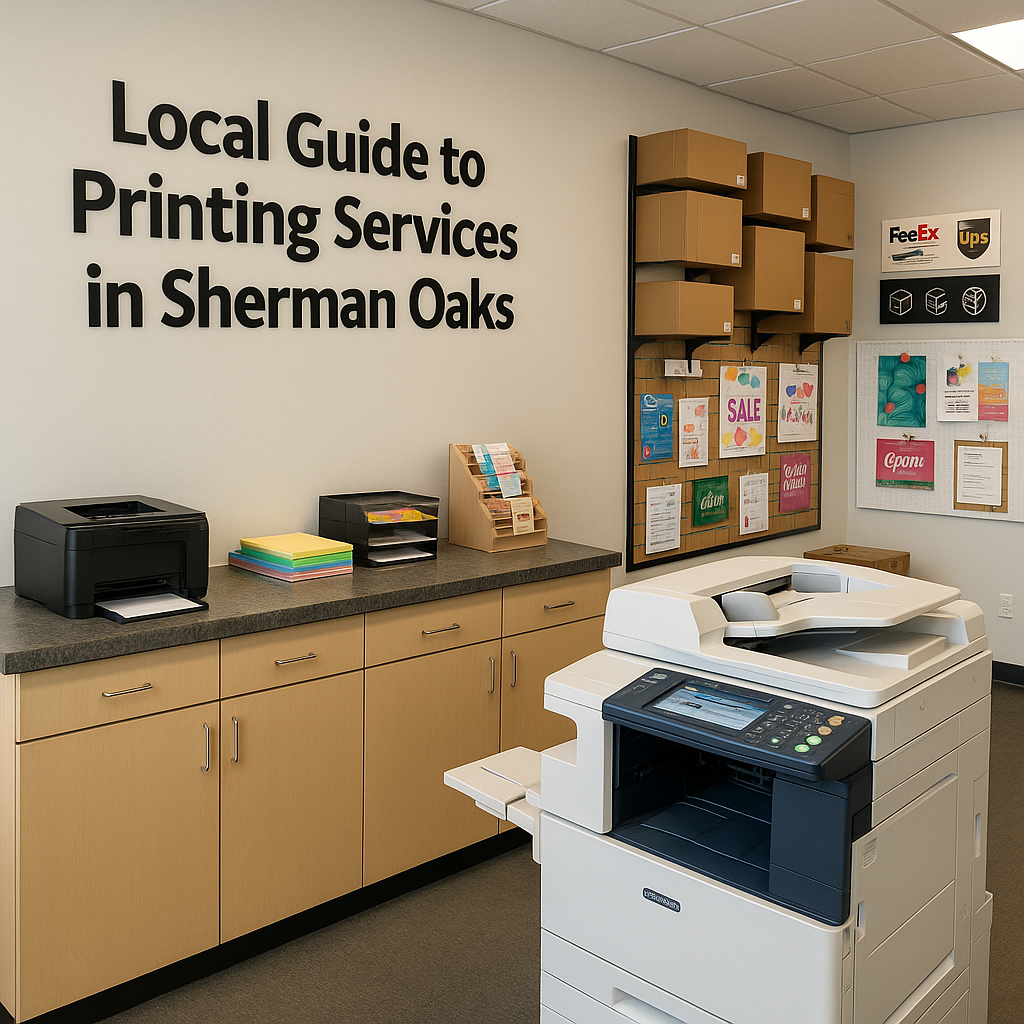
Why Local Printing Still Matters in a Digital World
Even in a world of email, PDFs, and cloud storage, there are moments when only a high-quality printed document will do: a polished presentation, a bound proposal, a full-color flyer, or a large poster for an event. For residents and businesses in Sherman Oaks, Van Nuys, and the greater San Fernando Valley, knowing how to choose the right printing options can make the difference between a forgettable handout and a piece that really gets results.
At Federal Mailbox Center on Van Nuys Blvd, we see all kinds of print projects every day—from last-minute term papers to complex real estate packets and eye-catching banners. This local guide breaks down the essentials of document printing, color vs. black and white, binding choices, and large format printing so you can walk into any print shop confident and prepared.
Document Printing Basics: Start with the Purpose
Before you decide on color, paper, or binding, get clear on what your printed piece needs to accomplish. Ask yourself:
- Who is the audience? Internal team, potential clients, school, or government agency?
- How long should it last? A one-time event handout vs. a reference document kept for months or years.
- How will it be used? Handed out, mailed, displayed on a wall, or filed and stored?
- What impression do you want to make? Simple and economical, or polished and high-end?
Once you know the purpose, your choices around printing, color, and binding become much easier—and usually more cost-effective.
Color vs. Black and White: When Each Makes Sense
Color printing can look stunning, but it isn’t always necessary. On the other hand, using black and white when color is expected can make a document feel flat or unprofessional. Here’s how to decide what’s right for your project in Sherman Oaks or anywhere in the 91401 area.
When to Choose Black and White Printing
Black and white (often called grayscale) is typically more affordable and faster to produce. It’s a strong choice when:
- Content is mostly text. Contracts, legal documents, reports, and meeting minutes rarely require color.
- Color doesn’t add clarity. If color is only decorative, you may not need it.
- Large quantities are needed. Training manuals, draft copies, and internal documents can quickly add up in cost if printed in full color.
- You’re mailing documents. Black and white keeps costs down for multi-page mailings or recurring newsletters.
To get the best results in black and white, make sure any charts or images are high-contrast. Avoid light gray text, thin lines, or pale colors that may disappear when printed in grayscale.
When Color Printing is Worth the Investment
Color printing shines when you need impact, clarity, or a premium feel. Consider color when:
- Visuals are central to your message. Marketing pieces, brochures, flyers, and presentations often rely on photography, logos, and brand colors.
- You’re explaining complex information. Color-coded charts and diagrams can make data much easier to understand.
- You want a professional, branded look. Real estate listing packets, design portfolios, and sales proposals often look unfinished without color.
- The document is customer-facing. Anything you hand to a client or prospect should represent your brand at its best.
In the San Fernando Valley’s competitive business environment, the right use of color can help your materials stand out at local trade shows, open houses, and community events.
Smart Ways to Control Color Printing Costs
If you’re on a budget, you don’t have to choose all-color or all black and white. A few practical strategies:
- Use color only for the cover or key pages. Print the rest in black and white.
- Limit background colors. White or light backgrounds use less ink and often look cleaner.
- Print a proof first. Catch color issues before printing a large batch.
- Ask your print shop about mixed runs. A combination of color and black-and-white pages can be organized and bound into one finished document.
A local shop that offers full-service printing services can walk you through these options and help you choose a setup that balances quality with cost.
Choosing the Right Paper for Your Prints
Paper choice affects how your finished piece looks, feels, and holds up over time. Even a basic document can feel more professional with the right stock.
- Standard 20 lb or 24 lb copy paper: Ideal for everyday documents, drafts, and internal handouts.
- Premium text paper (24–28 lb): Slightly heavier with a nicer feel, good for reports or client-facing packets.
- Cardstock (60–110 lb and above): Best for covers, postcards, menus, and signs that need more durability.
- Matte vs. gloss: Matte reduces glare and is easier to write on; gloss makes photos and colors pop, ideal for flyers and brochures.
If you’re not sure what to pick, bring a sample of what you like to our Van Nuys Blvd location or another local print shop. Being able to see and feel different paper stocks in person is often the easiest way to decide.
Binding Options: Turn Loose Pages into Polished Documents
Binding turns a stack of printed pages into a professional, easy-to-use document. The best choice depends on how many pages you have, how long the piece needs to last, and how you want it to look.
Common Binding Styles and When to Use Them
- Stapling (corner or side): Simple and affordable. Good for short documents (up to around 20–30 pages) like meeting handouts, packets, and teacher materials.
- Saddle-stitching: Folded and stapled along the spine. Ideal for booklets such as small catalogs, event programs, and multi-page brochures.
- Spiral (coil) binding: A plastic coil holds the pages together and lets them lie flat or fold back completely. Great for training manuals, workbooks, cookbooks, and any document that needs to be written in or used frequently.
- Comb binding: Similar to coil but uses a plastic comb. Economical and easy to edit, but slightly less durable than spiral.
- Wire-o binding: Uses a metal wire instead of plastic. Offers a more upscale look while still allowing pages to lay flat.
- Perfect binding: Square spine like a paperback book. Best for longer documents, lookbooks, and annual reports where appearance is a priority.
How to Pick the Right Binding for Your Project
To choose a binding style, consider:
- Page count: More pages usually require coil, wire, or perfect binding instead of staples.
- Usage: Will people write in it, flip through quickly, or store it on a shelf?
- Durability: Manuals or reference guides may need stronger binding and protective covers.
- Budget: Staples and comb binding tend to be more affordable; perfect binding is more of a premium option.
If you’re preparing a presentation or proposal for a client meeting in Sherman Oaks or nearby Van Nuys, investing in a professional binding style can send a clear message that you take the project seriously.
Large Format Printing: Posters, Banners, and More
Large format printing covers anything bigger than standard letter or legal size—think posters, banners, yard signs, and display graphics. It’s especially useful for events, storefronts, real estate listings, and trade shows throughout the San Fernando Valley.
Common Large Format Projects
- Event posters: Ideal for promoting local concerts, school events, fundraisers, or community fairs.
- Banners: Great for grand openings, sales, and outdoor events. Can include grommets for easy hanging.
- Real estate signage: For open houses, property listings, and directional signs around Sherman Oaks and the 91401 area.
- Presentation boards: Mounted prints for school projects, science fairs, or corporate pitches.
- Retail and office signage: Window graphics, directional signs, or lobby displays to guide visitors.
Design Tips for Large Format Printing
Large prints are viewed from a distance, so design rules change slightly:
- Use large, clear fonts. Headlines should be readable from several feet away.
- Keep text minimal. Focus on the essentials: who, what, where, when, and a clear call to action.
- Choose high-resolution images. Low-quality photos may look fine on screen but appear blurry when enlarged.
- Consider viewing distance. A poster in a hallway can have smaller details than a banner near a busy street.
- Mind the margins. Leave safe space around the edges for trimming and hardware such as grommets.
If you’re not sure whether your file is large enough or set up correctly, a full-service shop that offers printing services and shipping services can review your artwork before you print multiples.
File Prep Tips: Avoid Common Printing Headaches
Spending a few minutes preparing your file correctly can save you time and frustration at the print shop.
- Use PDF when possible. Export your final document to PDF to preserve fonts, layout, and graphics.
- Embed fonts and images. Make sure your export settings embed fonts and include linked images.
- Check page size and orientation. Confirm that the file size matches what you want printed (letter, legal, tabloid, or custom).
- Leave room for binding. Avoid placing important text or graphics too close to the edge where holes or trims will be.
- Proofread before printing. Catch typos and layout issues before committing to a large run.
If you’re unsure about any of these steps, you can always book an appointment or bring a draft in on a USB drive. A quick review with a local print expert can prevent costly reprints.
How a Local Print Shop Can Make Your Life Easier
Working with a neighborhood print shop in Van Nuys or Sherman Oaks offers several advantages over trying to handle everything at home or through an impersonal online service:
- Personal guidance. Talk through your project, budget, and timeline with someone who does this every day.
- Fast turnaround. Many standard jobs can be completed the same day or within 24 hours, which is a lifesaver for last-minute school or business needs.
- Proofs you can hold. Review sample prints and paper options in person before committing.
- One-stop services. Combine printing with shipping, copies, and even notary services for documents that need to be signed and sent out.
For busy professionals, students, and small business owners across the San Fernando Valley, having a trusted local partner for printing means one less thing to worry about.
Ready to Print? Visit Us in Sherman Oaks
Whether you need simple black-and-white copies, a full-color presentation with spiral binding, or a large banner for your next event, Federal Mailbox Center is here to help. Visit us at 5632 Van Nuys Blvd in Sherman Oaks, CA 91401, call (818) 990-1129 to discuss your project, or schedule a visit online. If you already know what you need, you can request an instant shipping rates and printing estimate, or explore our full range of local printing services to get started today.