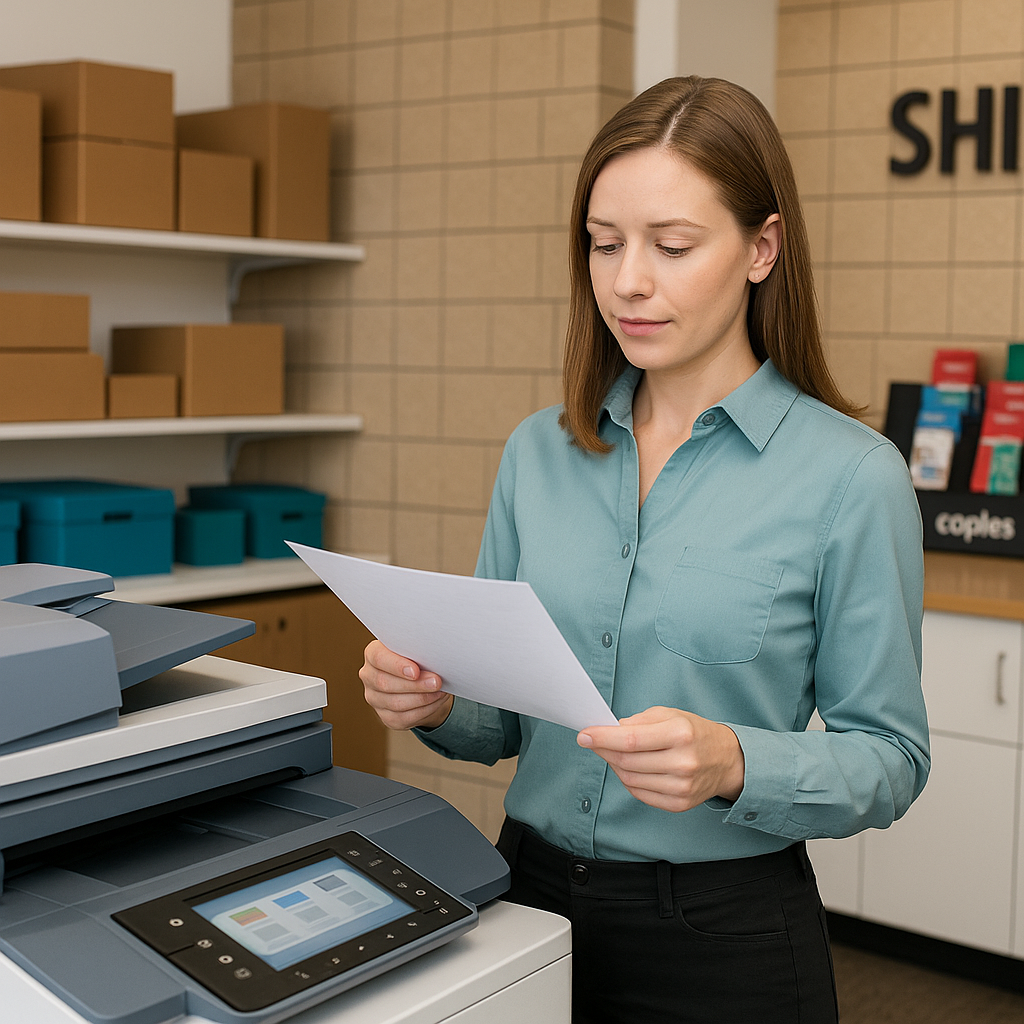
Whether you’re running a startup from your apartment or managing an established office in the San Fernando Valley, smart printing decisions can save you time, money, and stress. From everyday document printing to eye-catching posters, the choices you make—color vs. black and white, binding style, paper type, and size—directly affect how your brand is perceived.
At Federal Mailbox Center in Sherman Oaks, we see a wide range of printing needs every day. Below is a practical guide to help you choose the best printing options for your business or personal projects, and to know when it’s time to bring your files to a local print shop instead of relying on a home printer.
Everyday Document Printing: When Quality Matters
Simple documents are the backbone of most businesses: contracts, invoices, training materials, presentations, and forms. While these may seem routine, poor print quality or awkward assembly can make your business look less professional than it really is.
Home Printer vs. Professional Printing
Your home or office printer is convenient for one-off pages, but once you need volume, consistency, or a polished look, a professional printing service in Sherman Oaks can make a big difference.
- Use a home printer for: Quick drafts, internal notes, one or two pages you need immediately.
- Use a professional print shop for: Client-facing documents, multiple copies, color-critical prints, and anything that needs binding or special paper.
If you’re in the San Fernando Valley, dropping your files off (or emailing them) to Federal Mailbox Center at 5632 Van Nuys Blvd can give you sharper text, cleaner images, and a more professional finish—often at a lower total cost than replacing ink cartridges at home.
Color vs. Black-and-White: How to Decide
One of the most common questions we get is: “Do I really need this in color?” The answer depends on purpose, audience, and budget.
When Black-and-White Printing Is Your Best Friend
Black-and-white printing is usually the most economical option, especially for high-volume jobs. It’s ideal when the information matters more than the visuals.
- Best uses: Contracts, internal handouts, draft versions, text-heavy reports.
- Advantages: Lower cost per page, faster printing, and easier reading for dense text.
- Pro tip: Remove unnecessary images or background colors in your file before printing to keep black-and-white documents clean and legible.
When Color Printing Is Worth the Investment
Color printing is essential when you want to attract attention, convey emotion, or present data clearly. Color can significantly improve comprehension and response rates.
- Best uses: Sales presentations, marketing brochures, flyers, event posters, menus, and real estate materials.
- Advantages: Higher impact, better brand recognition, and clearer charts/graphs.
- Pro tip: Reserve color for key pages or sections. For example, print a color cover page and black-and-white inner pages to balance impact and budget.
In a competitive area like Sherman Oaks, where your brochure might be sitting next to several others, strategic use of color can help your materials stand out without breaking the bank.
Choosing the Right Binding for Your Documents
Binding is more than just a way to hold pages together—it affects how your document is used and how it feels in the hand. The right binding can make a training manual easier to reference or a proposal feel more substantial.
Common Binding Options and When to Use Them
- Stapled (Corner or Edge)
Best for: Short packets, meeting handouts, simple reports.
Why choose it: Fast, affordable, and clean. Great for 2–20 pages that don’t need a spine. - Saddle Stitch (Folded and Stapled in the Middle)
Best for: Booklets, small catalogs, programs, event guides.
Why choose it: Looks professional and booklet-like. Ideal for 8–64 pages, depending on paper thickness. - Spiral or Coil Binding
Best for: Training manuals, cookbooks, workbooks, reference materials.
Why choose it: Lays flat on a table and can fold back on itself—perfect for classes, workshops, and any document you’ll write on or reference repeatedly. - Comb Binding
Best for: Internal manuals, office reference documents, policies and procedures.
Why choose it: Pages can sometimes be added or removed. Cost-effective for in-house use. - Velo or Strip Binding
Best for: Legal documents, formal reports, archived records.
Why choose it: Secure and tamper-evident. Good when documents must remain intact.
Binding Tips for a Professional Look
- Match binding to usage: If people will take notes or flip pages often, spiral is usually best.
- Add a clear cover: A transparent front cover with a sturdy back cover protects your pages and gives a polished, professional appearance.
- Plan your margins: Leave extra space on the binding edge (usually at least 0.75–1 inch) so text and images aren’t cut off.
At Federal Mailbox Center in Sherman Oaks, we can help you choose a binding style that fits your content, budget, and how the document will be used.
Large Format Printing: Go Big for Maximum Impact
When you need to be seen from across the room—or across the street—large format printing is the answer. This includes posters, banners, signage, blueprints, and oversized presentations.
Popular Large Format Projects
- Posters: Perfect for events, promotions, in-store displays, and school projects.
- Banners: Great for grand openings, trade shows, outdoor events, and seasonal specials.
- Signage: Window graphics, directional signs, and point-of-purchase displays.
- Architectural/Engineering Plans: Blueprints and line drawings for contractors and designers.
Design Tips for Large Format Printing
- Use high-resolution files: For best results, use 300 dpi at final size for images and logos. Vector files (PDF, EPS, AI) are ideal for logos and text.
- Keep text simple and bold: Viewers should be able to read your headline from a distance. Avoid thin fonts and tiny details.
- Choose the right material: Ask whether you need indoor or outdoor durability. For example, a vinyl banner for an outdoor Sherman Oaks street fair vs. a paper poster for an indoor presentation.
- Mind the bleed and margins: Leave safe space around the edges to prevent important content from being trimmed.
If you’re promoting an event or business in the San Fernando Valley, a professionally printed banner or poster can draw far more attention than a home-printed sign taped together from multiple sheets.
Paper Types and Finishes: The Subtle Details That Stand Out
Paper choice is often overlooked, but it can dramatically change the feel of your printed piece. The right stock supports your message and sets the tone.
Paper Weight and Finish Basics
- Standard copy paper: Good for everyday internal documents. Lightweight and economical.
- Text-weight paper: Slightly heavier and smoother—ideal for letterhead or higher-end prints.
- Cardstock: Thicker, more rigid paper used for covers, business cards, postcards, and signs.
- Matte finish: Non-reflective and professional; good for text-heavy documents.
- Gloss or semi-gloss: Adds shine and vibrancy; great for photos, marketing pieces, and color-heavy designs.
In-person at our Sherman Oaks location, you can feel the difference between paper types and see how they change the look of your design before you print a full run.
How to Prepare Your Files for Smooth Printing
A little preparation before you send or bring in your files can prevent delays and ensure you get exactly what you expect.
Quick Pre-Print Checklist
- File format: PDFs are typically the safest choice and preserve fonts and layout.
- Proofread carefully: Check names, dates, addresses, and phone numbers—especially on flyers and menus.
- Set page size: Match the document size to your desired print size (e.g., 8.5" x 11", 11" x 17").
- Include bleed if needed: For edge-to-edge color, add bleed (usually 0.125" beyond final size) so trimming is clean.
- Embed fonts and images: If you’re not using PDF, make sure fonts are embedded or converted to outlines to avoid substitutions.
If you’re unsure about any of this, you can bring your file to Federal Mailbox Center and our team can review it with you before printing.
Local Printing Advantages in Sherman Oaks
Using a local print shop in Sherman Oaks offers benefits that online-only services can’t match:
- Fast turnaround: Many document printing jobs can be done same-day or next-day.
- Hands-on proofing: You can see sample prints, paper options, and colors in person before committing to a full run.
- Personal guidance: Our staff can recommend the most cost-effective options for your specific project.
- Support your community: Working with a family-owned business in the San Fernando Valley keeps your dollars local.
Whether you need a few spiral-bound training manuals, a stack of black-and-white forms, or a large color banner for your next event, Federal Mailbox Center at 5632 Van Nuys Blvd is here to help you choose the right printing solution for your needs and budget.
Need help with your next printing project? Stop by our Sherman Oaks location or contact us to discuss color vs. black-and-white options, binding styles, and large format printing that will make your materials look their best.